While holding onto outdated technology might seem like a smart way to save on your IT expenses, it often ends up costing more in the long run. Using old hardware and software can significantly drain your business’s productivity, inflate costs, and expose you to serious security threats.
Understanding the True Expense
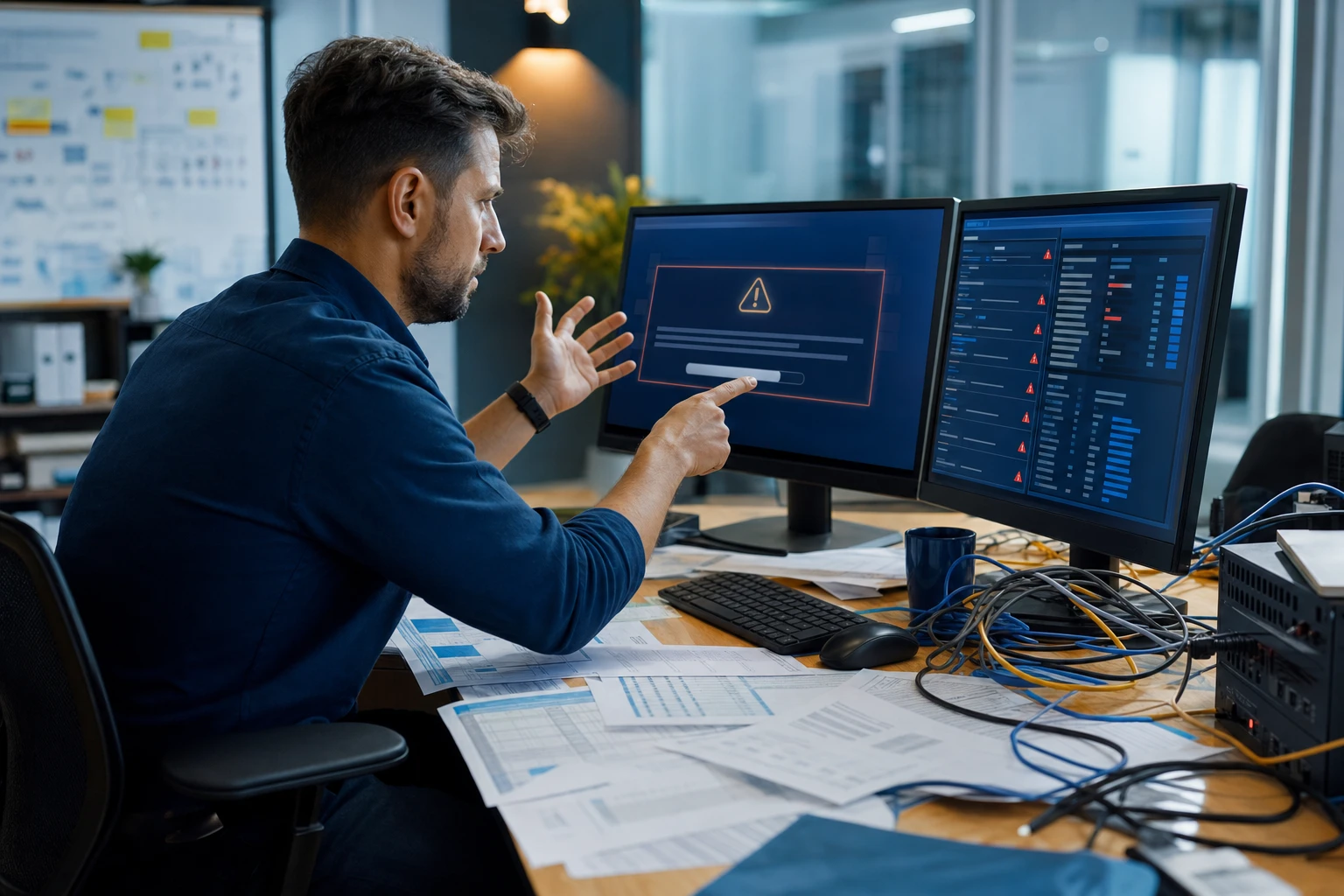
Outdated technology impacts your business in several critical ways. Older systems run slower, causing delays that reduce your team’s efficiency and output. Moreover, these aging systems are prone to unexpected failures, leading to costly downtime and missed deadlines.
Security risks also escalate with obsolete software and hardware. The IBM Cost of a Data Breach Report 2024 found that organizations using outdated or end-of-life systems experienced significantly higher breach costs. Since these systems no longer receive security patches, they become prime targets for cyberattacks. Hackers exploit these vulnerabilities to access sensitive business data, putting your company’s compliance and reputation at risk. Staying current with the latest technology is essential to safeguard your business and pass compliance audits.
How to Identify When It’s Time for an Upgrade
Look out for these key signs that your technology needs replacing:
1. Your systems still operate on Windows 10 or earlier.
As Microsoft plans to end support for Windows 10 in October 2025, continuing to use it beyond that date leaves your business vulnerable to unpatched security threats. To protect your data and remain compliant, begin transitioning to Windows 11 now.
2. Repeated IT support calls for the same issues.
Persistent system crashes and slowdowns aren’t just frustrating—they signal failing technology that hampers productivity and wastes valuable time and resources.
3. Incompatibility between your current software and new tools.
Legacy software often fails to integrate with modern mobile apps and cloud services, limiting your ability to innovate, serve clients effectively, and grow your business.
4. Devices that slow down your team’s workflow.
Computers that take too long to start, freeze during critical tasks, or crash during video calls disrupt your team’s momentum and waste time. Devices older than three to five years should be evaluated for performance and energy efficiency to avoid productivity losses.
5. Outdated security systems.
If your firewall or antivirus software hasn’t been updated recently, your business is at high risk of cyberattacks. According to the Verizon Data Breach Investigations Report, exploitation of vulnerabilities as an initial access vector has been growing year over year. Cyber threats evolve rapidly, so your defenses must be regularly updated to prevent ransomware and other breaches.
Worried that upgrading technology will strain your budget? It’s important to weigh that against the hidden costs of slow, insecure, and inefficient systems. Fortunately, there are cost-effective, strategic upgrade options that keep your business running efficiently without breaking the bank.
Partner with Experts for a Smooth Transition
If you want expert guidance to seamlessly upgrade your technology and stay ahead of obsolescence, reach out to our team. Schedule a FREE Discovery Call to discuss tailored solutions that enhance your business’s security, productivity, and cost-efficiency. Contact us at 408-335-0353 or click here to get started.
Frequently Asked Questions
How can I tell if my business needs a technology upgrade?
Look for signs such as persistent IT issues, slow system performance, and incompatibility with new software. If your devices are older than three to five years or your security systems are outdated, it may be time to consider an upgrade to maintain efficiency and security.
What are the risks of using outdated technology for my business?
Using outdated technology can lead to increased downtime, reduced productivity, and higher costs due to system failures. Additionally, old hardware and software are often more vulnerable to cyberattacks, putting sensitive business data at risk and potentially harming your company’s reputation and compliance status.
Is it worth upgrading to the latest software and hardware?
Yes, upgrading to the latest technology can enhance your team’s efficiency, improve security, and ensure compatibility with modern tools. While the initial investment might seem significant, the long-term savings from reduced downtime and increased productivity often outweigh the costs.
How can One82 help with my technology upgrade?
One82 specializes in managed IT services and can guide your business through the upgrade process. Their expertise ensures that transitions are smooth, cost-effective, and tailored to your specific needs, helping you to stay competitive in today’s fast-paced digital landscape.