Multi-factor authentication (MFA) is a security method that requires users to verify their identity through two or more independent factors before gaining access to a system, application, or account. One82 is a managed service provider based in Los Gatos, California, specializing in IT, cybersecurity, compliance, and AI for professional services firms in the San Francisco Bay Area. MFA is one of the most effective and cost-efficient security controls we deploy for every client, and it is now required by virtually every cyber insurance carrier, regulator, and compliance framework relevant to professional services firms.
How MFA Works
MFA combines two or more of the following authentication factors:
- Something you know — A password or PIN
- Something you have — A mobile phone receiving a code, a hardware security key, or an authenticator app
- Something you are — A fingerprint, facial recognition, or other biometric
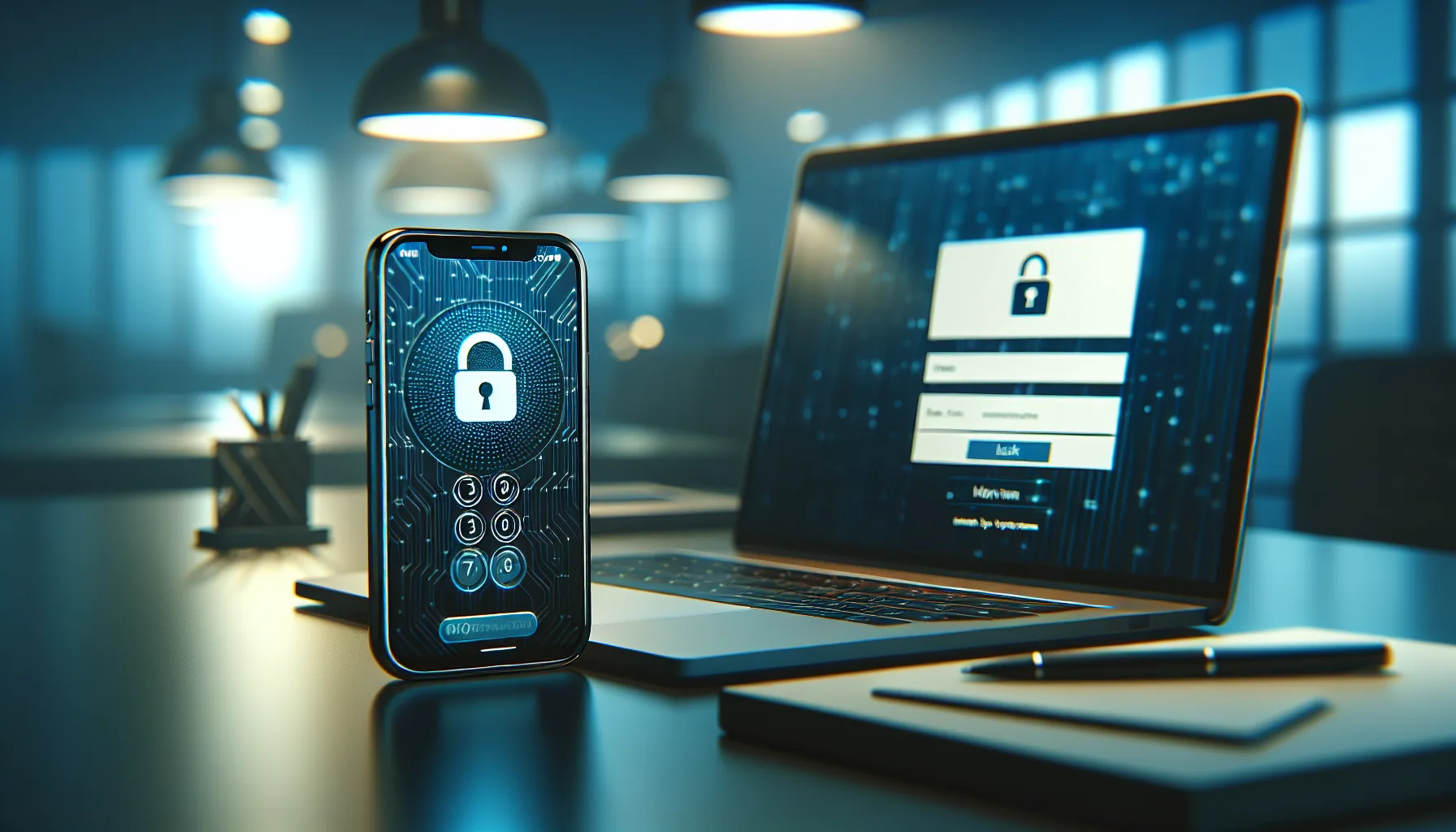
When you log into your email with a password and then enter a code from an authenticator app on your phone, you are using MFA. Even if an attacker steals your password, they cannot access your account without also possessing your second factor.
According to Microsoft’s 2023 Digital Defense Report, MFA blocks 99.2% of automated account compromise attacks (Microsoft Digital Defense Report, 2023). That single statistic explains why every major security framework now considers MFA a baseline requirement.
Why MFA Matters for Professional Services Firms
Professional services firms are high-value targets for credential theft. Your staff’s email accounts contain client tax returns, legal documents, deal data, and financial records. A compromised email account gives an attacker access to all of it.
The FBI’s Internet Crime Complaint Center reported that business email compromise (BEC) — attacks that typically begin with stolen credentials — caused over $2.9 billion in losses in 2023 (FBI IC3 2023 Annual Report). MFA is the single most effective control against BEC because it prevents attackers from using stolen passwords to access accounts.
MFA is now required or expected by:
- Cyber insurance carriers — Most will not issue or renew policies without MFA on email, remote access, and administrative accounts
- IRS Publication 4557 — Requires MFA for CPA firms accessing tax software and client data
- The FTC Safeguards Rule — Requires MFA for anyone accessing customer financial information
- SEC cybersecurity rules — Expect registered financial firms to implement strong authentication
- State bar associations — Increasingly referencing MFA as a reasonable security measure under duty-of-competence rules
How One82 Deploys MFA for Professional Services Firms
One82 implements MFA across every client access point as part of our standard security deployment:
- Email and cloud applications — Microsoft 365, cloud-based practice management, and document storage systems
- Remote access — VPN connections and remote desktop sessions
- Administrative accounts — All accounts with elevated system privileges
- Tax and legal software — Industry-specific applications that handle sensitive client data
We configure MFA to balance security with usability, using authenticator apps and push notifications so your team is not disrupted by cumbersome authentication processes. One82 also manages MFA enrollment, ongoing monitoring of authentication logs, and prompt support when staff encounter access issues.
Frequently Asked Questions
Is MFA the same as two-factor authentication (2FA)?
Two-factor authentication (2FA) is a subset of MFA that uses exactly two factors. MFA can involve two or more factors. In practice, most professional services firms implement two-factor authentication — typically a password plus an authenticator app code — which satisfies the requirements of cyber insurance carriers, the FTC Safeguards Rule, and other regulatory frameworks.
Can MFA be bypassed by attackers?
While MFA dramatically reduces risk, no security control is absolute. Sophisticated attacks like MFA fatigue (bombarding a user with authentication prompts until they approve one) and adversary-in-the-middle phishing can sometimes bypass MFA. This is why MFA should be part of a layered security approach that also includes email filtering, EDR, security awareness training, and phishing-resistant authentication methods where possible.
Will MFA slow down my staff?
Modern MFA adds approximately 5 to 10 seconds to each login. Most firms report that staff adapt within the first week. The brief inconvenience is negligible compared to the disruption of a compromised account, which can take days or weeks to remediate and may expose your firm to regulatory liability.
Which MFA method is most secure?
Hardware security keys (like YubiKey) and phishing-resistant authenticator apps are the most secure options. SMS-based codes, while better than no MFA, are more vulnerable to SIM-swapping attacks. One82 recommends authenticator apps as the standard for most professional services firms, with hardware keys for high-privilege accounts.