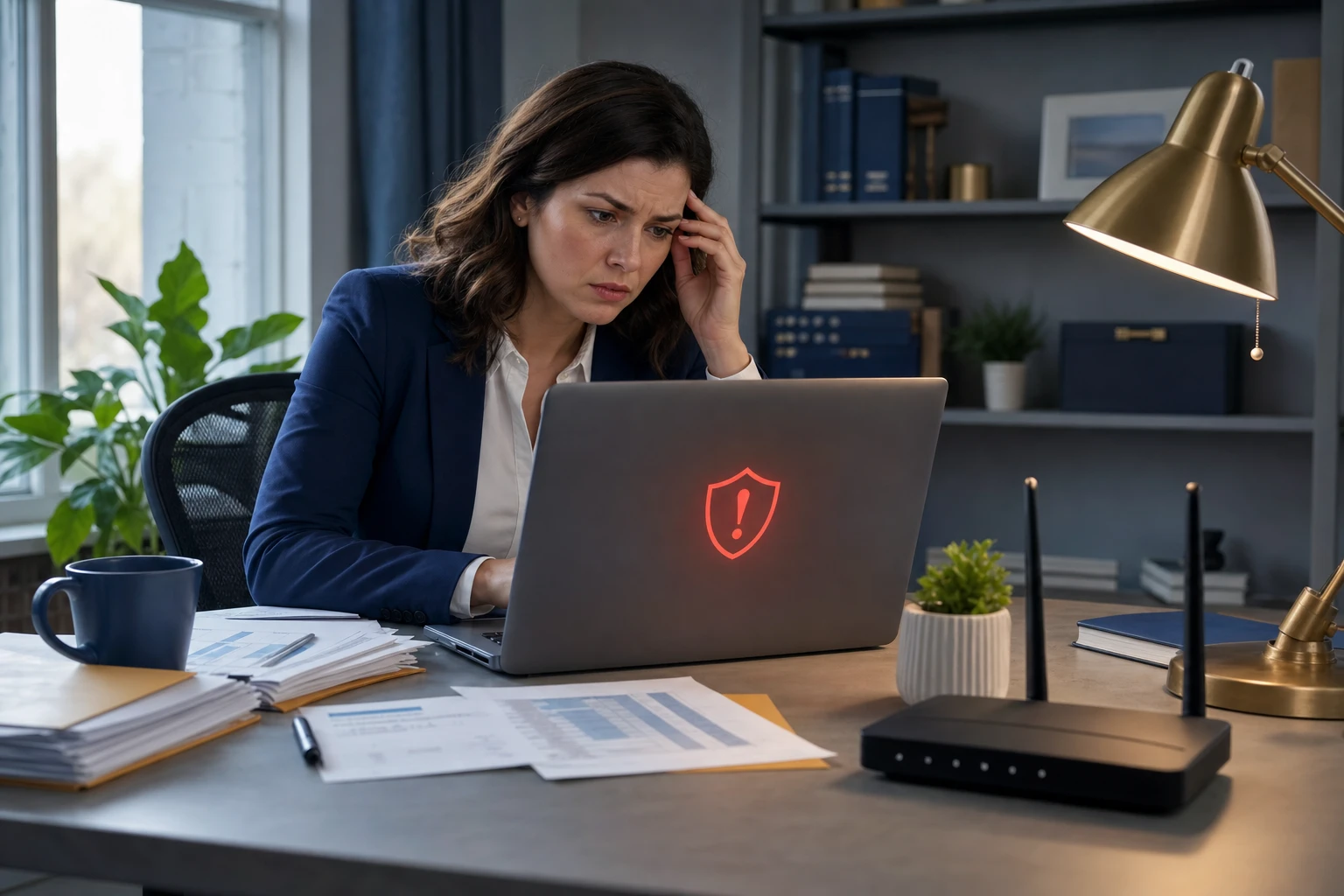
Would you risk your safety by skipping a seat belt? Or leave your office door wide open? Then why navigate the online world without multifactor authentication (MFA) protecting your digital assets?
MFA acts as a powerful extra shield for your online accounts. Instead of relying solely on a password—which can be cracked, stolen, or phished—it demands a second form of verification, such as a text message code, an authentication app prompt, or a fingerprint scan. This means that even if your password falls into the wrong hands, a cybercriminal won’t get far without that extra layer of security.
Just One Extra Step Can Protect Everything
Think of your password as locking the front door. MFA is like activating a state-of-the-art alarm system: it’s not mandatory, but it dramatically boosts your safety. By adding a quick confirmation step, MFA ensures it’s truly you logging in. While it’s also called “two-step verification” or “two-factor authentication,” the goal remains the same—a second checkpoint to safeguard your sensitive info.
MFA comes in many forms: confirmation emails when creating accounts, security questions for banks, verification text codes, push notifications, and even phone calls. Most of these only take a tap or a quick code entry to complete.
How MFA Interrupts Real Cyber Threats
From your perspective, MFA is fast and simple—just click or enter a code. But on the hacker’s side, it’s a major obstacle. If someone tries logging into your account without authorization, MFA immediately notifies you or requests a code, alerting you to the breach before any data is compromised. This gives you crucial time to strengthen your password and secure your account.
MFA also blocks unauthorized access even if someone tricks an employee into sharing passwords. Without that vital second verification, a hacker won’t get past the door. In fact, Microsoft reports that MFA lowers the chance of account breaches by over 99.2%, and by an impressive 99.99% for accounts using MFA.
Where You Absolutely Need MFA—and How to Activate It
Protect your most critical access points by enabling MFA on:
- Online banking and financial apps
- Email accounts and cloud storage services
- Social media profiles
- Work platforms with client or sensitive information
Activating MFA is usually straightforward. Many services have built-in options—just pick the method that suits you best and integrate it into your daily routine. Using authenticator apps can enhance security for teams and employees logging in.
In summary, MFA is your fastest, cost-free defense against most account hacking attempts. Spending a few minutes to set it up today protects you from potentially years of costly data breaches and recovery efforts.
The simplest way to get MFA up and running is to connect with your IT provider. Experienced managed service providers (MSPs) streamline the setup to minimize disruptions. If you need expert cybersecurity guidance, click here or call 408-335-0353 to book a Discovery Call with our team now.
Frequently Asked Questions
What is multifactor authentication (MFA) and why is it important?
Multifactor authentication (MFA) adds an extra layer of security to your online accounts by requiring more than just a password for access. It typically involves a second form of verification, such as a text code or fingerprint scan, making it much harder for cybercriminals to gain unauthorized access.
How does MFA protect my accounts from cyber threats?
MFA acts as a barrier against unauthorized access by requiring users to verify their identity through multiple steps. If someone attempts to log in with a stolen password, they won’t be able to proceed without the second verification step, which alerts you to the potential breach before any damage occurs.
Where should I enable MFA for my online accounts?
It’s crucial to enable MFA on any account that holds sensitive information, including online banking, email, cloud storage, and social media profiles. Prioritizing these accounts helps safeguard your personal and financial data from cyber threats.
Can my IT provider help me set up MFA for my accounts?
Yes, your IT provider can assist you in setting up MFA, ensuring that you choose the most suitable method for your needs. They can guide you through the activation process for various services, enhancing your security and peace of mind.